Send your first document: it reaches the firm within a minute.
Its screens
What you do with it
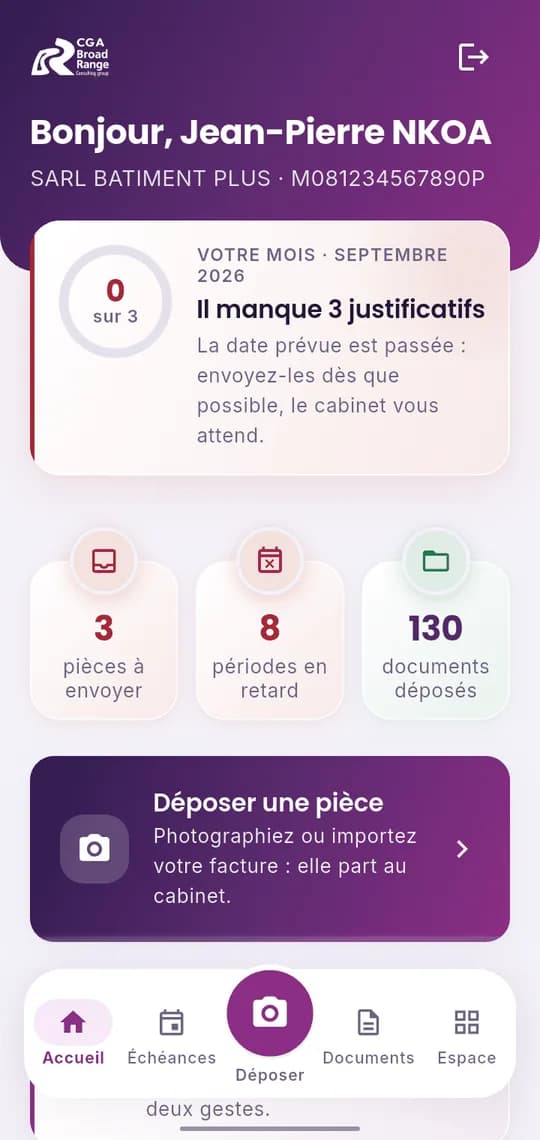
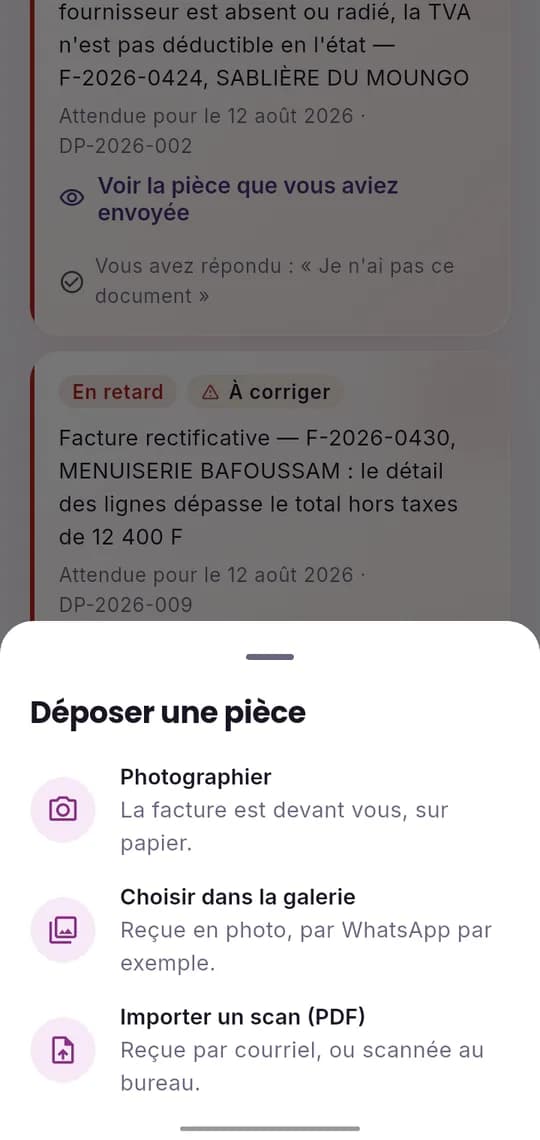
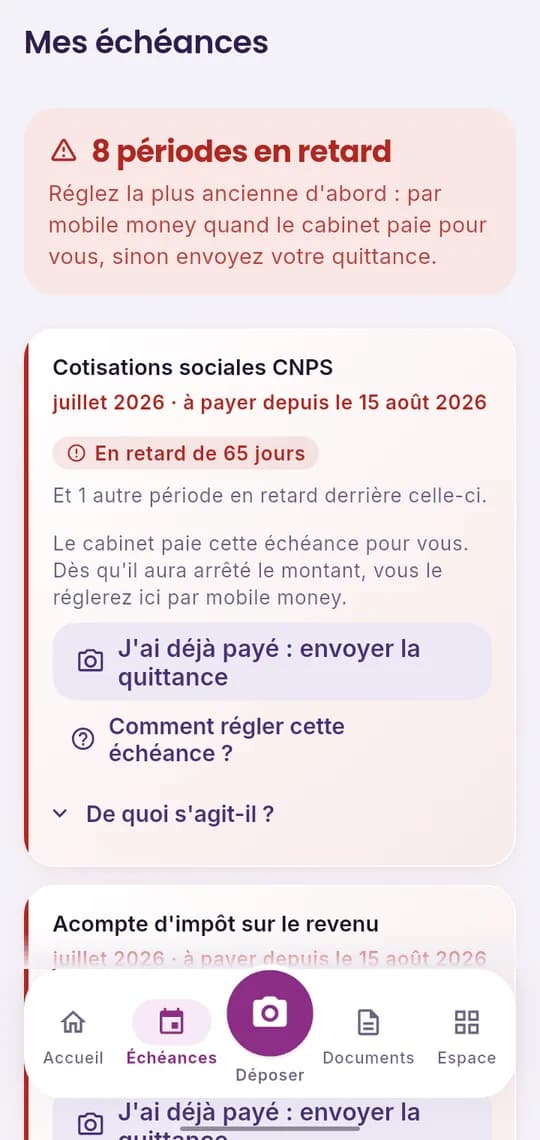
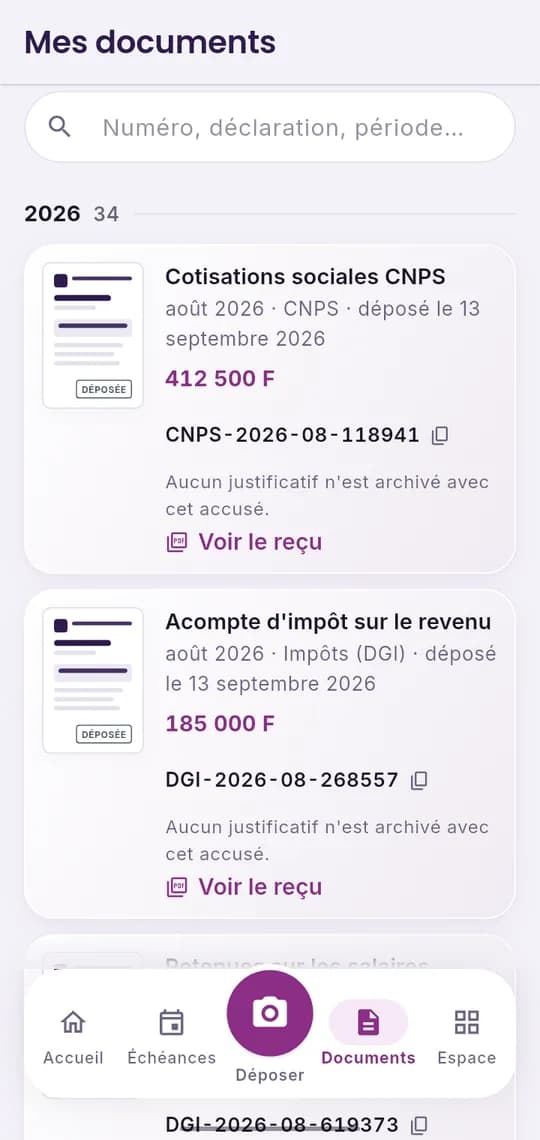
Your monthExpected documents, overdue items and filed documents, at a glance.Send a documentTake a photo, pick from the gallery or import a PDF scan.Your deadlinesWhat is due, what is overdue, and how to pay it.Your documentsThe filing receipts obtained by the firm, to show the administration.
Frequently asked questions
Do I need a separate account?
No: these are your client area credentials. You receive them by email as soon as your membership is paid.
Is it available on iPhone?
Not yet: it is first offered on Android. On iPhone, your client area opens in the browser, with the same features.
What about without a network?
What you have already viewed stays readable, with the time of its last update. A document photographed offline waits on the phone and leaves as soon as the network is back.
Is my data protected?
It travels encrypted between your phone and the firm, and is visible only to your company and the team handling your file.
Let's talk about your project today
Message us on WhatsApp at 699 902 184, call +237 233 42 48 47, or drop by our Douala office. Our advisers will take your request in hand.